
Proxy-based rank checks
- Run simulated searches from fixed locations and devices
- Show one snapshot per keyword at the time of each check
- Positions can differ from what real users see
- Can track any keyword, and competitors

Rank tracking built on your Google Search Console data: the positions real searchers see, with no scraping and no simulated searches.
Real user positions. Zero proxies, zero simulated searches.
Scraped proxies show a snapshot from one simulated browser. SEO Signal tracks the average positions real searchers see across devices and countries, using official Search Console performance data. Group keywords into projects, filter by country and device, and follow every move.
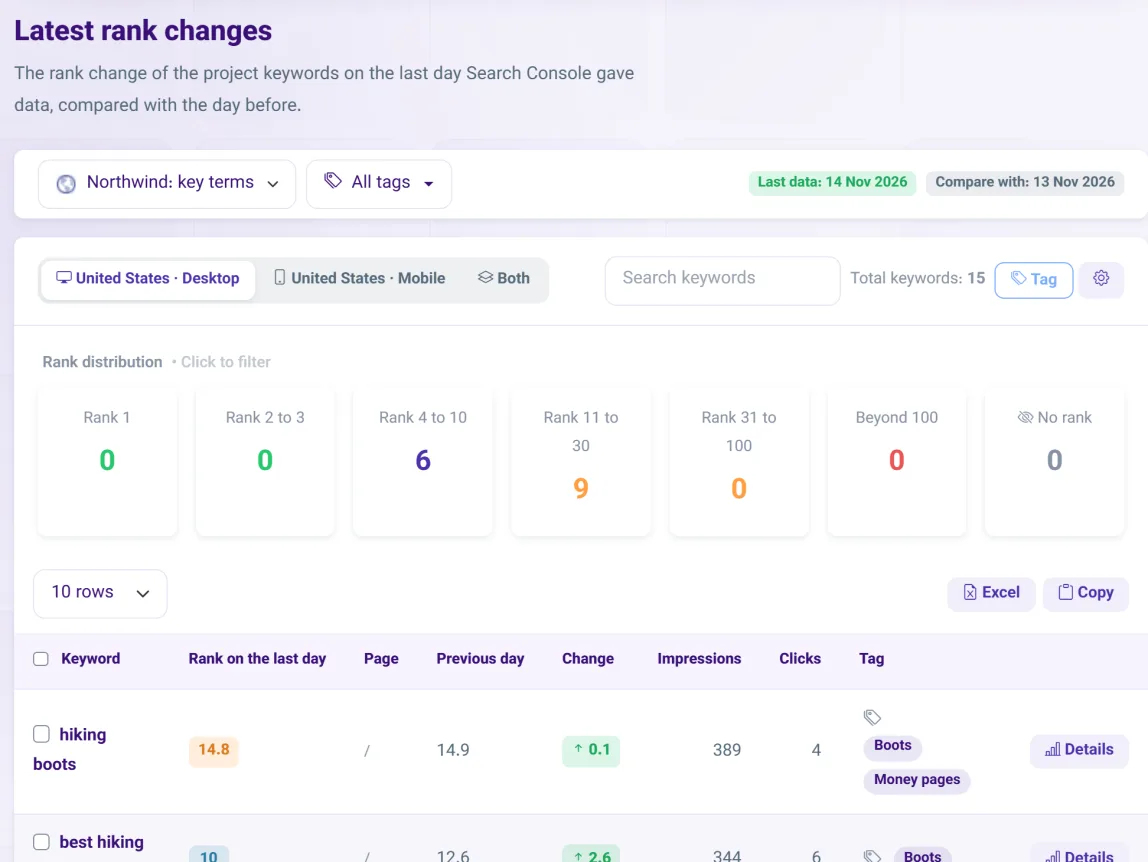
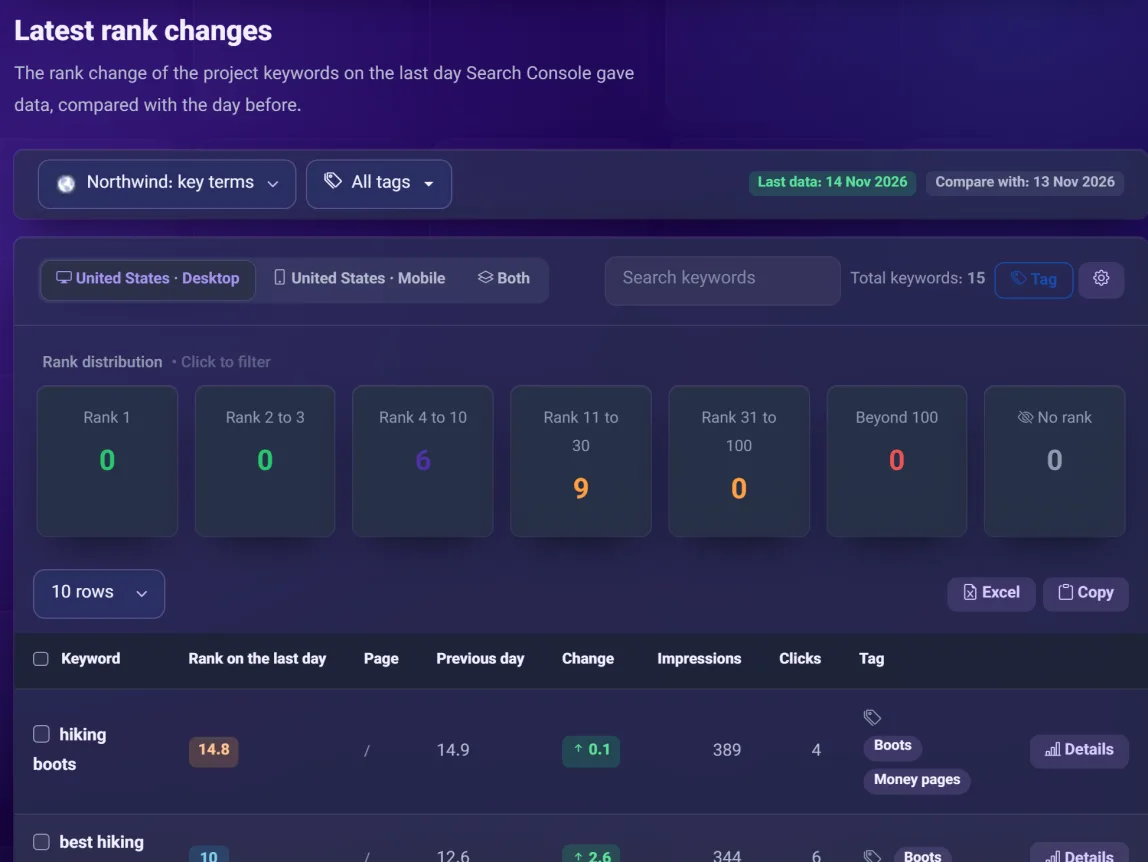
Screenshots show demo data.
Proxy-based tools simulate a search from one place and record what they see. SEO Signal reads what Google itself reports for your site.
The latest day of data against the day before, grouped into position bands (1, 2–3, 4–10, 11–30, 31–100, out), with the page that ranked and a flag when it changed.
Compare the first and last day with data in any range you pick, with the net change and the weighted average position for the period.
A keyword-by-day matrix with up/down arrows against the previous day with data, so a slow slide is visible at a glance.
Open any keyword for its daily table: position, change, the ranking page, and a warning when two of your pages compete for it.
Tag keywords one by one or in bulk, then filter any report by tag. Tags are yours and work across all your projects.
Group keywords by site, country and device. Share a project with a colleague or a client as a read-only viewer.
Sign in with Google and approve read-only access. We import up to 16 months of history.
Pick a site, a country and device, then paste keywords, import a file, or choose from queries your site already ranks for.
Open the daily, period or history report, filter by tag, and export a report for your client.
Can’t find your answer? Write to us and we will help.
Classic trackers simulate a search from one location and record what they see. SEO Signal reads your Search Console data instead, so you see the positions Google reports for real searches. The trade-off: it covers your own site only, and only keywords that already get impressions.
Search Console reports an average position across real searches. A scraper shows one snapshot from one place. Expect small differences; these are the numbers Google itself reports.
Google does not share competitor data through Search Console, so SEO Signal focuses on your own site. That is what keeps every number official.
Google makes up to 16 months available through its API. Paid plans import all of it and keep adding new data every day; the free trial loads 3 months. On the Agency plan we keep the data we have collected for up to 2 years, so you can compare year over year.
Yes. Growth reports can be shared by link and as a PDF. The Agency plan adds branded reports and view-only project sharing for your client. See Client Reports.
SEO Signal reads your Search Console data and tells you what to fix first, sorted by the clicks you can realistically win.
ExploreTraffic moved. Find out which pages and queries moved it, and why, in one report.
ExploreReal Google numbers, laid out clearly, as a PDF or a link.
Explore