
PDF rank report
A guided builder: choose the project, tags, dates, locations and devices, switch sections on or off, add your branding, then print or save as PDF.

Real Google numbers, laid out clearly, as a PDF or a link.
“My client wants a report, and I don’t want to build one by hand.”
Build a branded PDF of rank changes, or share a traffic report link. Both come from the same Google data you see in the dashboard.
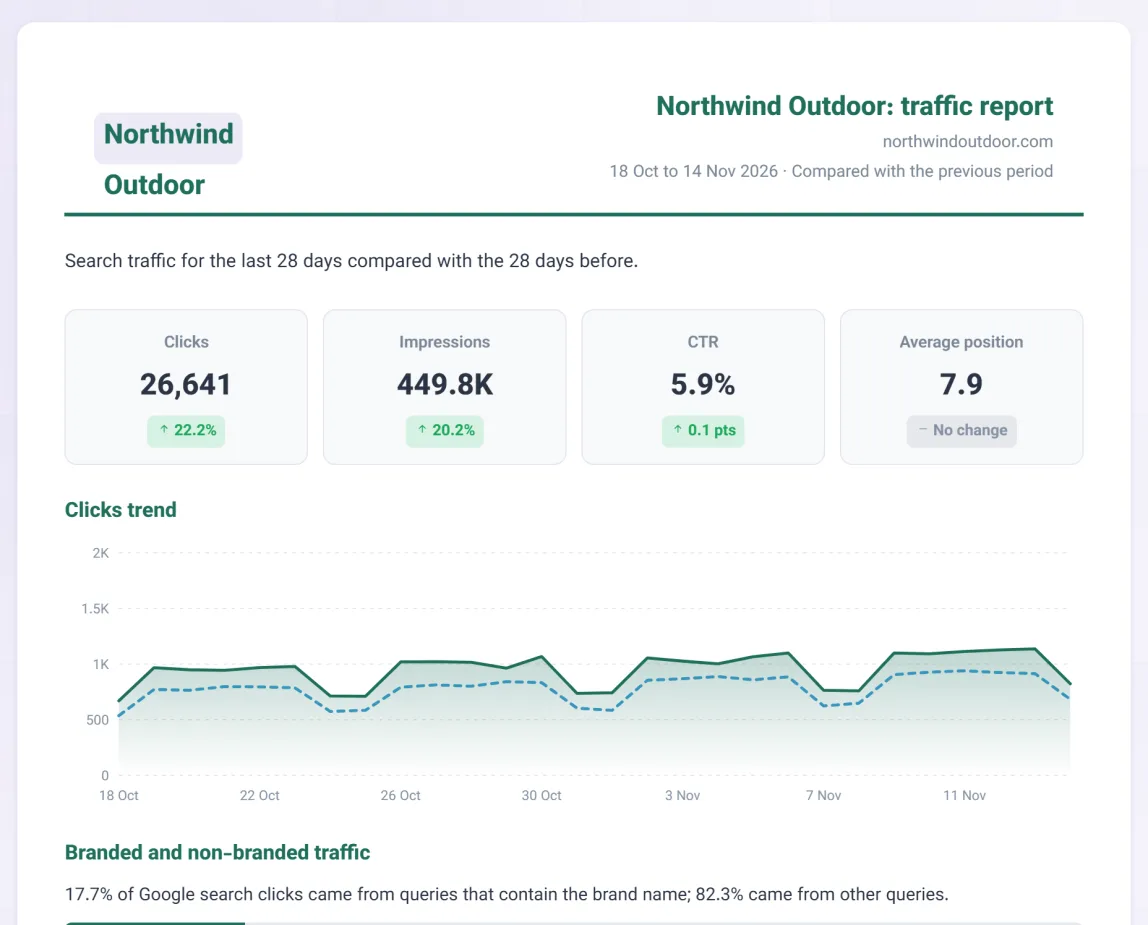
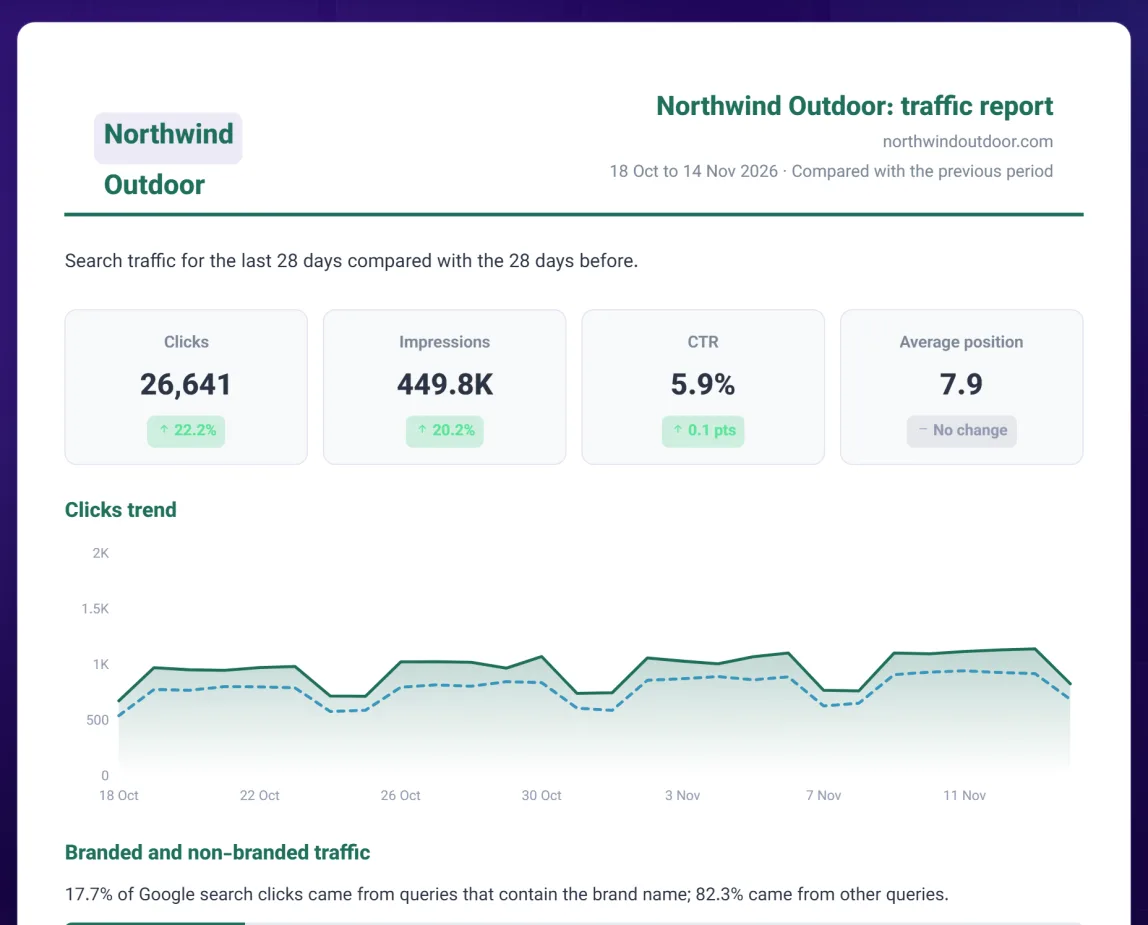
Screenshots show demo data.
A guided builder: choose the project, tags, dates, locations and devices, switch sections on or off, add your branding, then print or save as PDF.
A link with clicks, impressions, CTR and average position against the previous period, plus the trend.
The ten queries and ten pages that bring the most clicks, with the previous period beside them.
Where the traffic comes from and on which devices, in one view.
Split clicks into brand and non-brand once you list your brand terms.
Share a rank project with a client as a viewer. They can look, never change.
Choose the project, the dates and the sections for the client.
Put your name and logo on the report.
Send the PDF, or the link for the traffic report.
Can’t find your answer? Write to us and we will help.
Branded reports with your own name and logo are part of the Agency plan. On Growth you can share a report by link and as a PDF. Fully white-labelled domains and scheduled sending are not available.
It sticks to your own Search Console data, so competitor figures never appear.
On the Agency plan they can, as a read-only viewer of a rank-tracking project you share with them.
Rank tracking built on your Google Search Console data: the positions real searchers see, with no scraping and no simulated searches.
ExploreTraffic moved. Find out which pages and queries moved it, and why, in one report.
ExplorePull any report in plain language, or use the REST API for your own dashboards and automations.
Explore