
MCP for AI assistants
Connect an MCP-compatible assistant and ask about performance, changes, opportunities, rank tracking and index health in a sentence.

Pull any report in plain language, or use the REST API for your own dashboards and automations.
Skip the tab-hopping.
Query your SEO metrics in plain English. No tab-hopping, no CSV exports: ask your MCP-compatible assistant for a weekly briefing or a drop analysis, with a personal read-only token you can revoke any time.
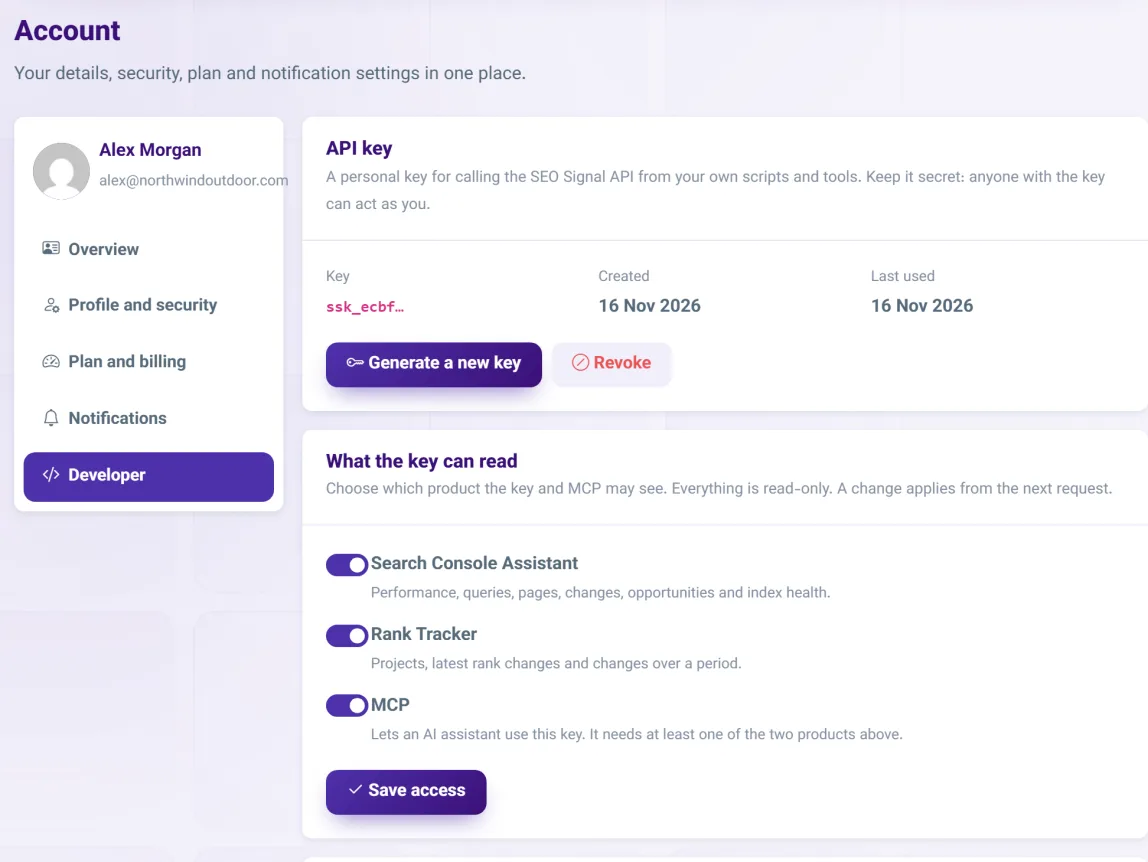
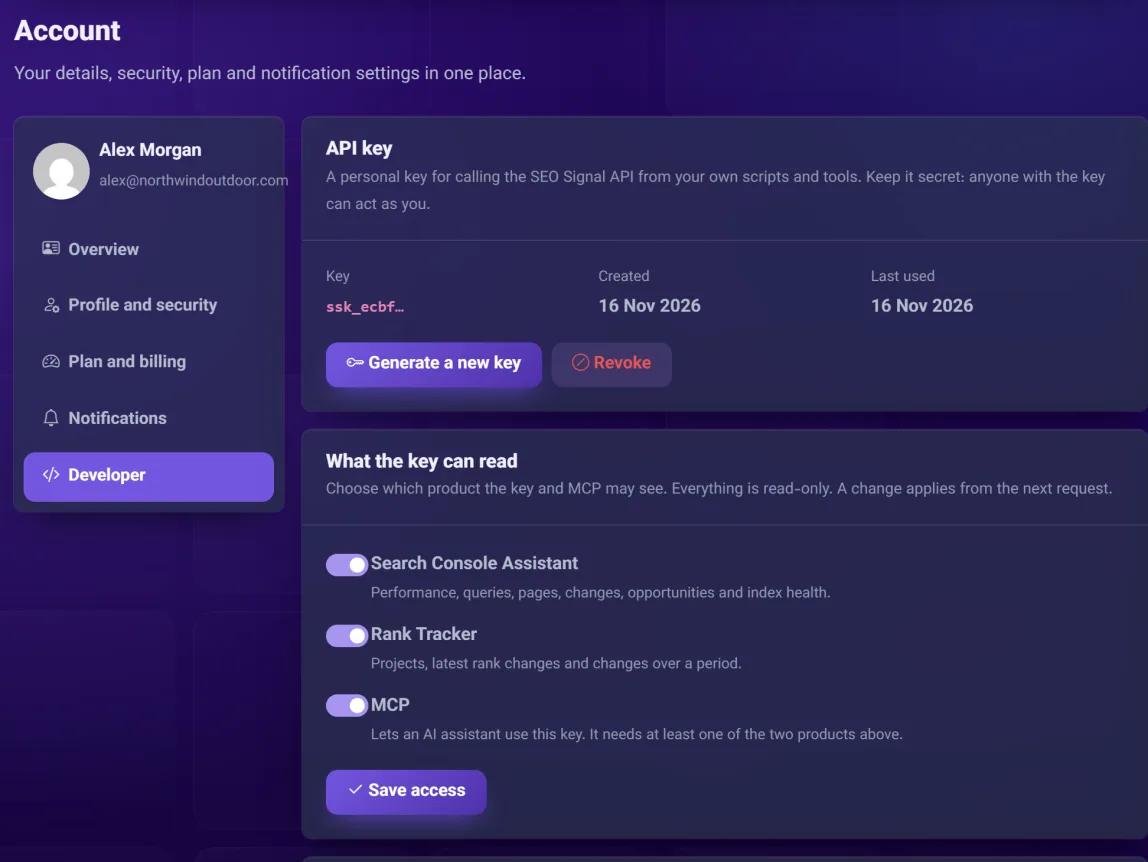
Screenshots show demo data.
Connect an MCP-compatible assistant and ask about performance, changes, opportunities, rank tracking and index health in a sentence.
The same read-only reports as JSON, for dashboards, spreadsheets and automations.
Access uses a personal token you create and can revoke at any time. Nothing can be edited.
Allow the Rank Tracker only, the Search Console Assistant only, or both, and switch MCP on or off. MCP needs at least one enabled.
Answers come from the same Google data as the dashboard, not from the assistant’s guesses.
SEO Signal never sends your data to an AI provider by itself. What your assistant does with an answer follows its own provider’s terms.
In your account, enable MCP and pick the Rank Tracker, the Assistant, or both.
Make a personal read-only token. You can revoke it whenever you like.
Add SEO Signal to your assistant, or call the API, and start asking.
Can’t find your answer? Write to us and we will help.
Model Context Protocol, an open standard that lets an AI assistant read data from other tools.
Your assistant can look but not touch: access is read-only.
No. Reports are answered from SEO Signal’s own database, which our scheduled syncs keep up to date. Asking questions through MCP or the API never sends a request to Google, so it cannot use up your Search Console quota. The answer is as fresh as the last sync.
Connect a property first. MCP and the API read your SEO Signal data, so at least one of the Rank Tracker or the Assistant must be enabled for the key.
Starter, Growth and Agency include both; the free trial does not. Each account can make up to 1,000 requests a day, and every MCP message counts as one request. Full details are in the documentation.
Traffic moved. Find out which pages and queries moved it, and why, in one report.
ExploreSEO Signal reads your Search Console data and tells you what to fix first, sorted by the clicks you can realistically win.
ExploreRank tracking built on your Google Search Console data: the positions real searchers see, with no scraping and no simulated searches.
Explore