
Weekly briefing
“Summarise what changed in my search traffic this week and what I should fix first.”

Turn raw positions, clicks and indexing errors into your prioritized Monday morning to-do list. Track true rankings without scraping, catch de-indexed pages early, and query your reports directly through your favorite AI assistant.
Read-only access · No credit card required · Setup in 30 seconds

Real user positions. Zero proxies, zero simulated searches.True rankings, straight from Google’s logbook.Learn more Growth OpportunitiesRanked task queue
Stop drowning in spreadsheets.Your highest-ROI fixes, ranked and ready.Learn more Index GuardURL Inspection
Silent de-indexing is expensive.Never lose traffic to silent de-indexing.Learn more Changes & ExplorerWhat changed, and why
Traffic moved. Find out why in minutes.Know exactly what moved, and why.Learn more MCP & APIMCP & API
Skip the tab-hopping.Your search data inside Claude, Cursor and other AI assistants.Learn more
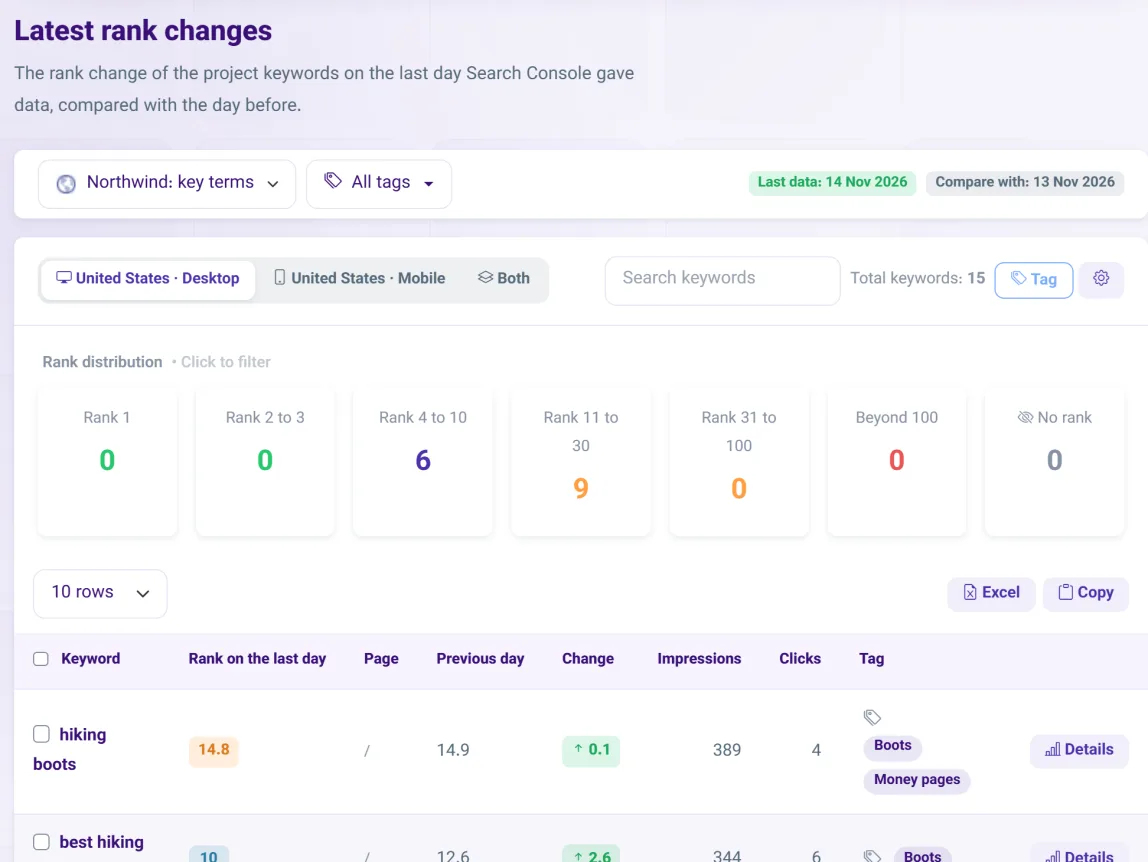
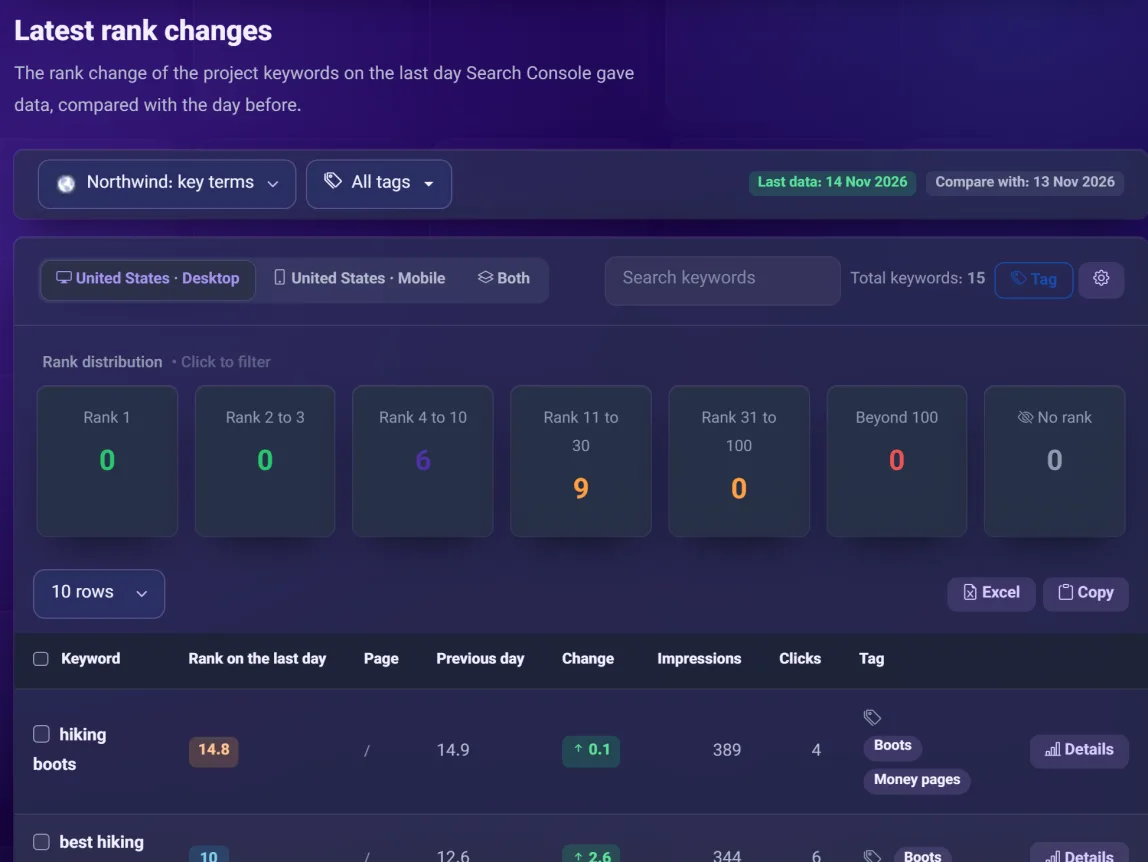
Real user positions. Zero proxies, zero simulated searches.
Scraped proxies show a snapshot from one simulated browser. SEO Signal tracks the average positions real searchers see across devices and countries, using official Search Console performance data. Group keywords into projects, filter by country and device, and follow every move.
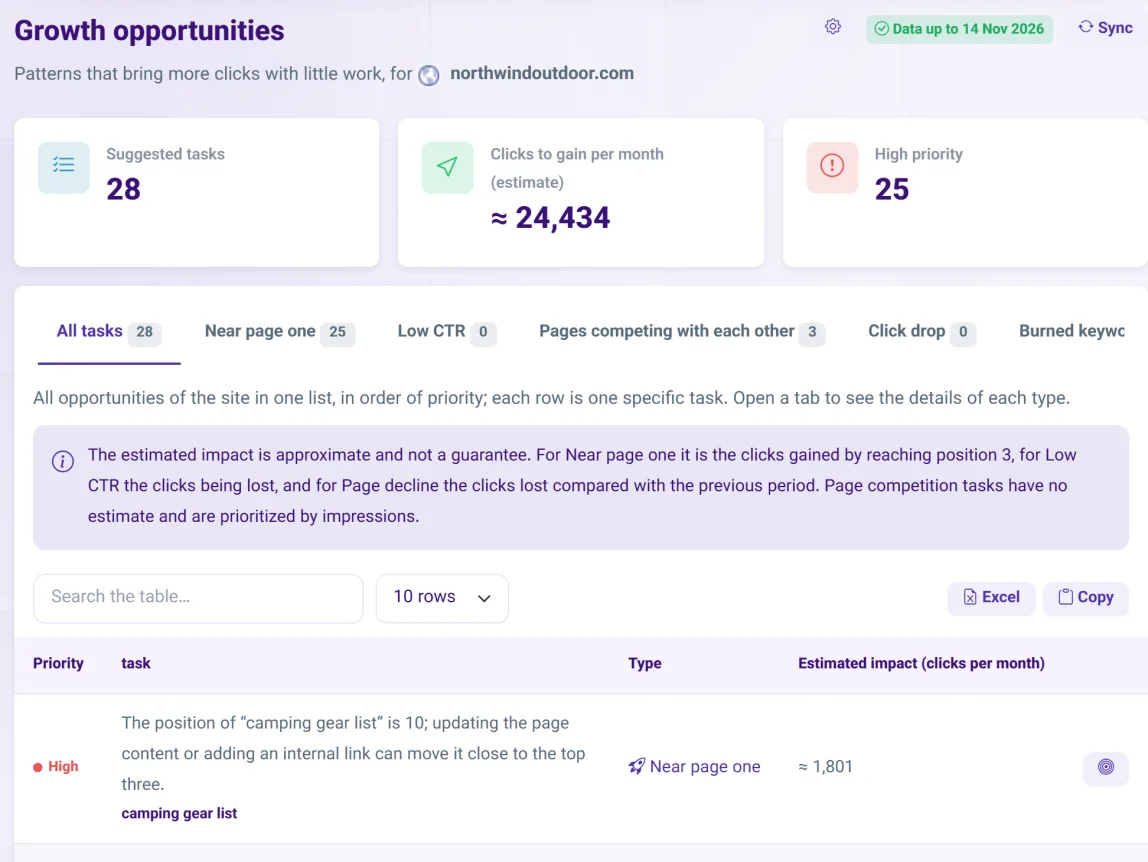
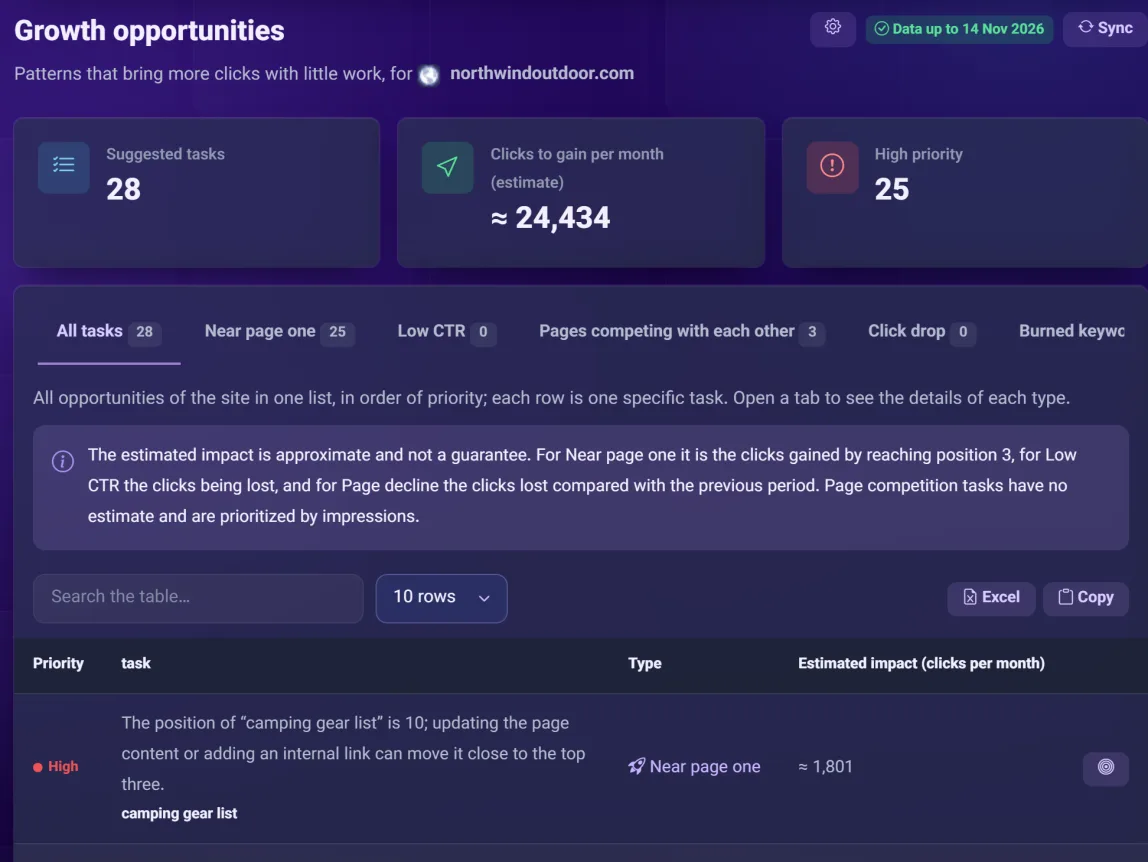
Stop drowning in spreadsheets.
We surface striking-distance queries (positions 4 to 15), low-CTR titles, competing URLs and fading content, ordered by the realistic clicks you stand to gain.
Silent de-indexing is expensive.
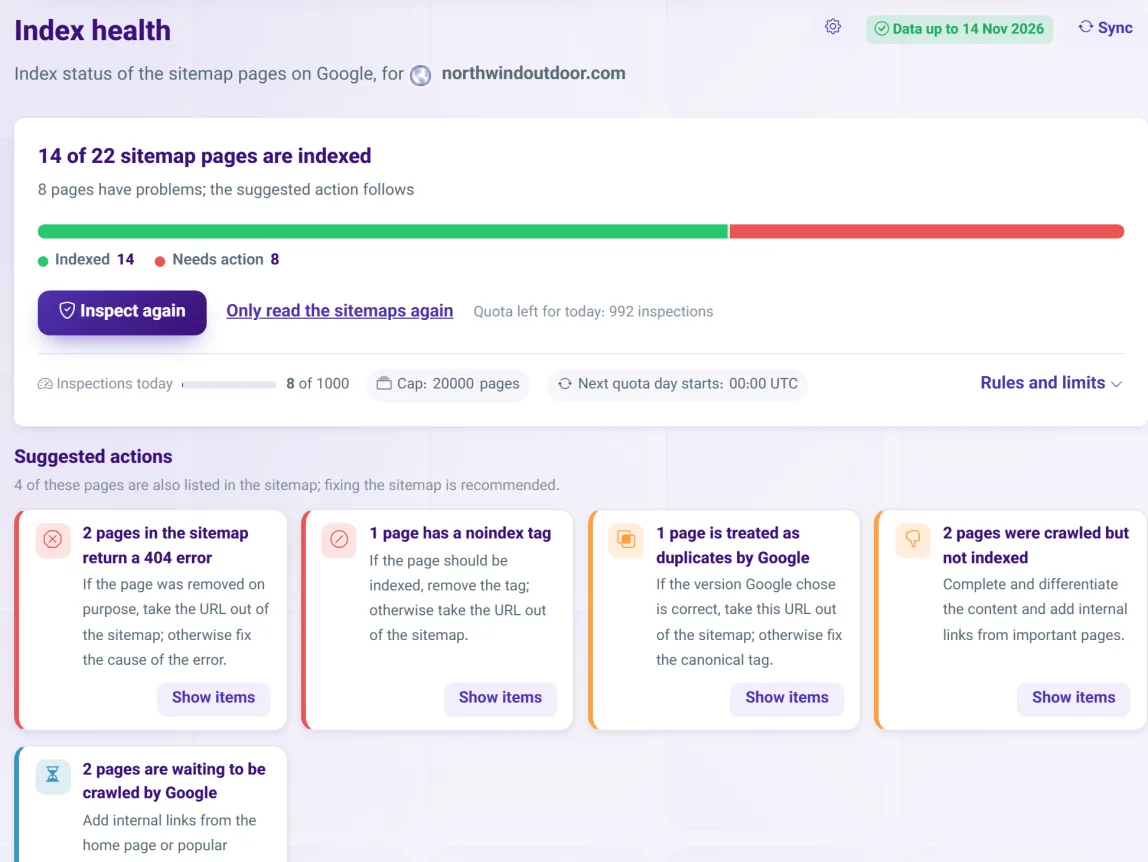
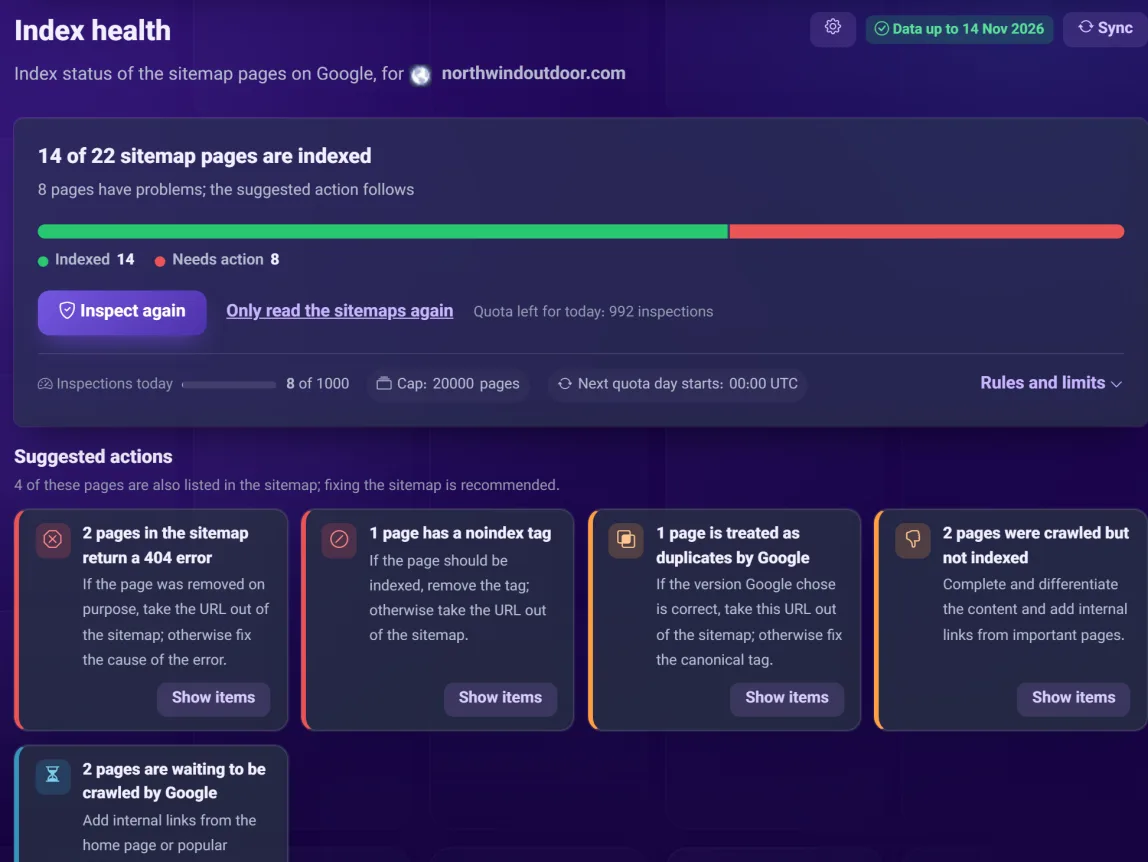
Powered by Google’s URL Inspection API. Spot “Crawled, currently not indexed” traps, canonical mismatches and sitemap problems before they hit your traffic, with a smart quota that spends inspections where they matter.
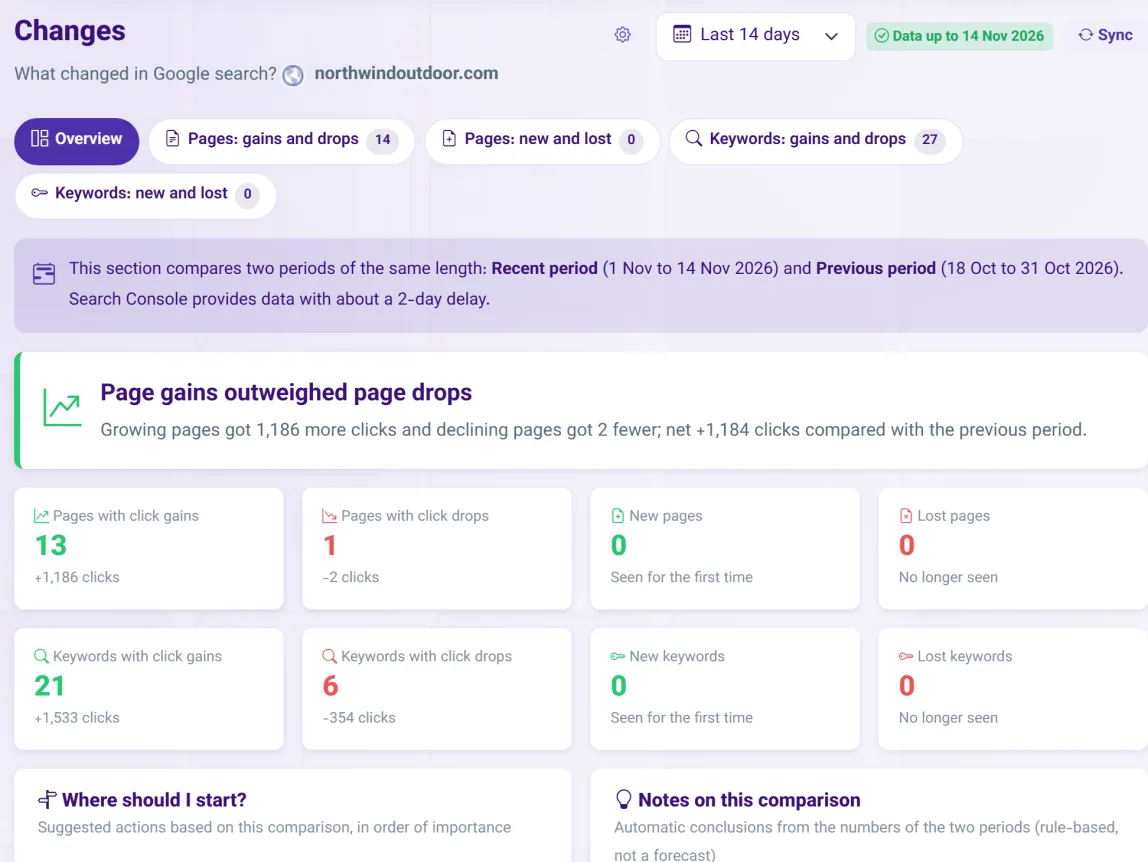
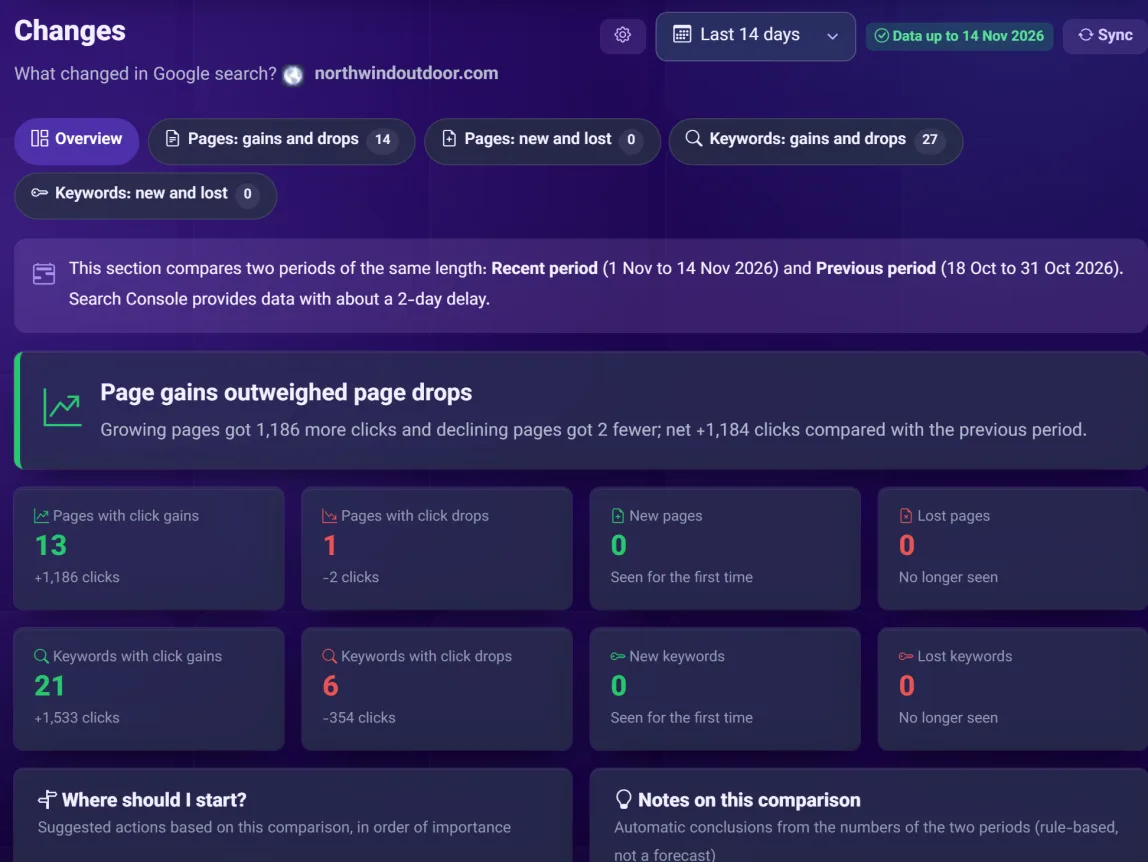
Traffic moved. Find out why in minutes.
Clean period-over-period comparison. Isolate the pages that drove the change, see new and lost queries, and get the likely cause of every drop: position, impressions or click-through rate. Then open any page, folder or query in the Explorer.
Skip the tab-hopping.
Query your SEO metrics in plain English. No tab-hopping, no CSV exports: ask your MCP-compatible assistant for a weekly briefing or a drop analysis, with a personal read-only token you can revoke any time.
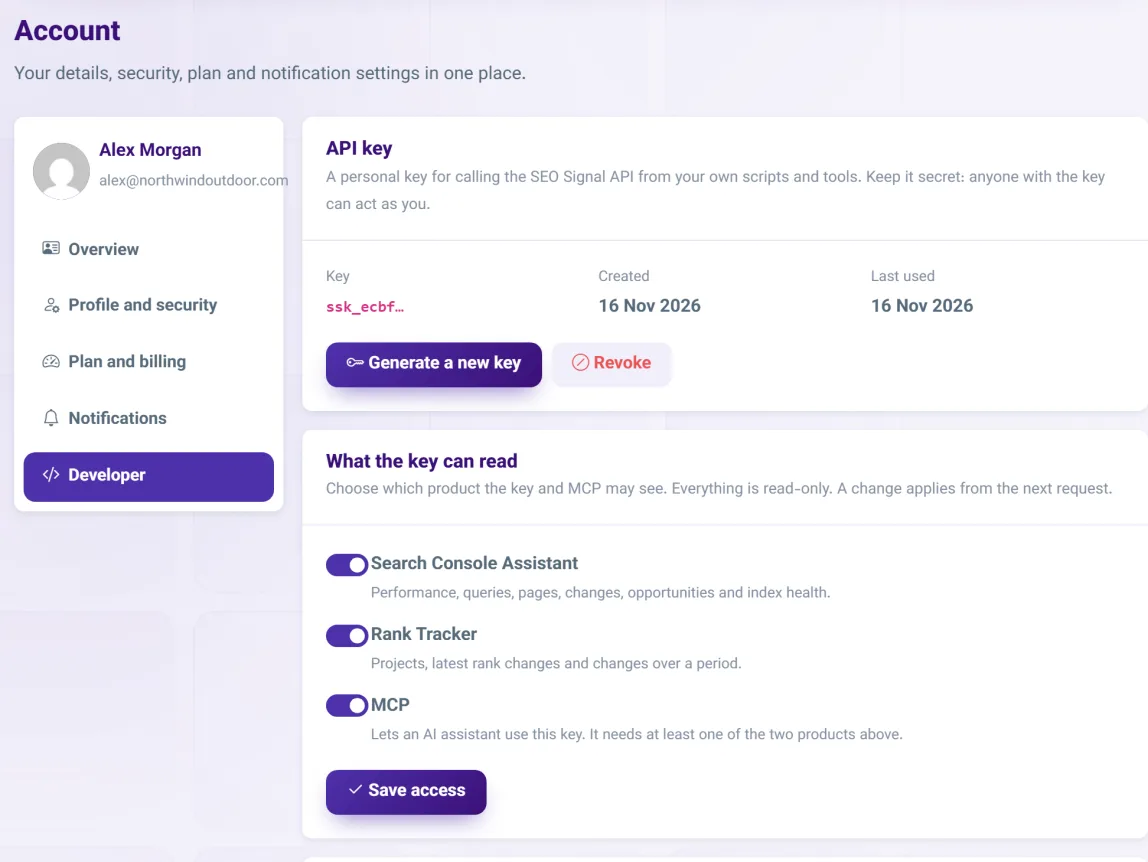
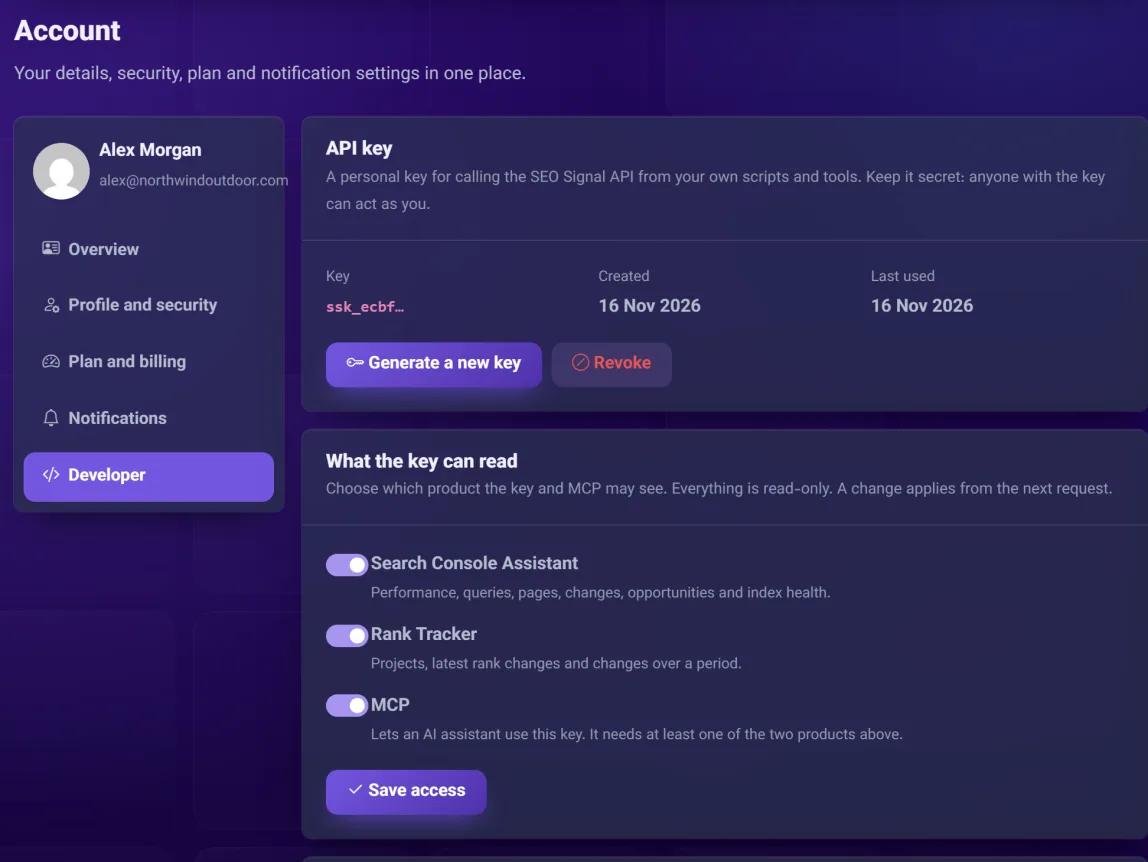
Screenshots show demo data.
Connect Claude, Cursor or any MCP-compatible assistant to SEO Signal and pull every report with a single sentence. No exports, no tab-hopping, no copy-pasting screenshots.
“Summarise what changed in my search traffic this week and what I should fix first.”
“List queries between positions 4 and 15 with the most impressions, and estimate the clicks I could win.”
“Why did /pricing lose clicks compared with the previous month?”
“How did my tracked keywords move since last Monday, grouped by tag?”
“Which URLs are crawled but not indexed, and which sitemaps have errors?”
Prefer code? The same reports are also available through a REST API, for your own dashboards, spreadsheets and automations.
Most SEO dashboards bury you in numbers. SEO Signal keeps the ones that move traffic: where you really rank, which queries are worth fixing, which pages are slipping.
Zero scraping, zero proxy distortion. The exact numbers Google records for your site.
Share a live link or export a clean PDF that clients can actually read.
A prioritized queue of what to optimize next, not another passive chart to stare at.
Built for modern AI workflows: ask your assistant, get answers from your own data.
Search Console’s interface stops at 16 months. We keep storing your daily data, so long-term trends stay available.
We never touch your site or your Google settings, never sell your data and never train public AI models on it.
Privacy PolicySEO Signal asks Google for the narrowest permission that does the job, and nothing more.
webmasters.readonly): we can never edit, delete or alter your search properties or site code.Secure one-click Google sign-in with the read-only webmasters.readonly scope.
We import the last 16 months of search performance and indexing data Google makes available.
Open the dashboard, get a daily email digest, or ask your AI assistant through MCP.
Can’t find your answer? Write to us and we will help.
Not at all. SEO Signal connects through Google’s official Search Console and URL Inspection APIs. We don’t crawl your pages, run headless browsers, simulate searches or scrape search result pages. The only thing we fetch from your site is your sitemap file, so Index Guard knows which URLs to check.
We request a single, read-only scope (webmasters.readonly). It lets SEO Signal pull your search performance and indexing data. We can’t edit your site, submit URLs, alter sitemaps or change anything in your Google account.
Traditional trackers query Google from one proxy IP at one moment in time. Search Console records real impressions across actual searchers, devices and locations, so you see Google’s own aggregate numbers. The trade-off: SEO Signal covers your own site, not competitors, and only keywords that already earn impressions.
Google makes up to 16 months available through its API. Paid plans import all of it and keep adding new data every day; the free trial loads 3 months. On the Agency plan we keep the data we have collected for up to 2 years, so you can compare year over year.
Every account starts with a 7-day free trial, no credit card required. Connect one site you own and look at your own data first: up to 500 search queries, 10 tracked keywords, 500 Index Guard URLs (200 checks a day) and 3 months of history. One trial per website. The API and MCP are included in every paid plan, not in the trial. If you need more time, contact support.
Model Context Protocol (MCP) lets AI assistants such as Claude or Cursor securely read from other apps. With a personal, revocable read-only token you can ask things like “Which queries dropped more than 3 positions this week?” and get the answer straight from your own Search Console data. MCP is included in every paid plan. Setup steps and the full reference are in the API and MCP documentation.
You are in control. Turn on the Rank Tracker, the Search Console Assistant or both, and switch MCP on or off separately. MCP works while at least one of them is enabled, and it can only read what you left on.
Your assistant can read your reports and nothing else. Access is read-only, so it can’t edit Search Console, your site or your SEO Signal settings.
Yes. Every paid plan includes a read-only REST API with the same reports as the dashboard, up to 1,000 requests a day. Create a key under Account, then Developer, and see the API and MCP documentation. The free trial does not include it.